See Docran run a full hospital day, live with your team
A 30-minute walkthrough on a demo branch with sample patients, from the first token to the cashier's day close.
NEW!Lab costs through Accounts
One-off lab costs now go to Expense management as vouchers, follow your approval ladder, and can be paid from petty cash.
Read what’s newWhat you will see
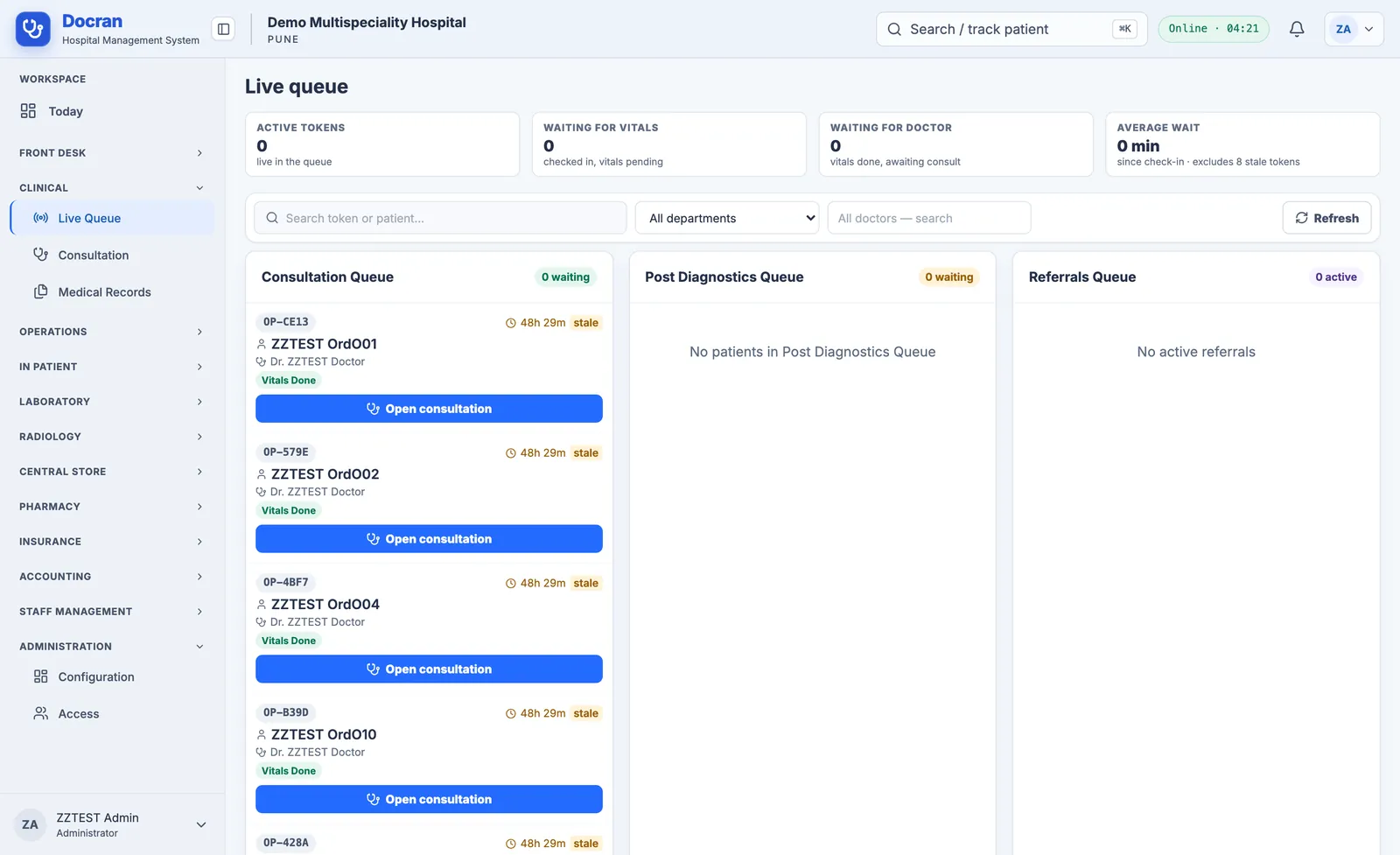
Registration, queue tokens and the consultation workspace.
Lab, radiology and pharmacy orders flowing into one bill.
A refund and an expense going through maker and checker.
A cashier's drawer counted and verified to ₹0.00.
Your walkthrough includes:
This preview site does not send requests yet. Please share your details with the Docran team directly.
FAQs
What happens after I book a walkthrough?
A Docran specialist confirms a time, sets up a demo branch with sample patients, and runs the session with your team.
Can we use our own data?
Walkthroughs use sample data only. During onboarding, we plan how your tariffs, staff, stock and patient records move into Docran.
Where is our data hosted?
On Google Cloud in the Mumbai region. Each branch's records are isolated by the application and by the database.
Does Docran work for a chain of hospitals?
Yes. Each branch keeps its own patients, staff and money, staff choose their branch at sign-in, and every branch prints on its own letterhead.
Is ABDM or PACS supported?
Not yet. ABDM and ABHA linking, PACS and DICOM viewing, and lab analyser interfaces are on the roadmap.