
Patient layer · Docran Discover
From a shared link to a confirmed appointment
A shareable public booking page for each hospital and clinic. No login, no app, no form the patient has to re-type.
A patient arrives from a Google Business listing, a WhatsApp share or the clinic website, picks a doctor and a slot, and gets a confirmed appointment that lands in the hospital's calendar.
Preview
Book an appointment Example Hospital · General Medicine
Steps3
LoginNone
Time< 1 min
Tomorrow · 09:30 ISTAvailable
Tomorrow · 10:00 ISTAvailable
Tomorrow · 10:30 ISTBooked
Confirmation by SMS and WhatsAppOn booking
Acquisition without friction: the patient books, the front desk sees it
One page per hospital, one link to share
A clean booking page under the hospital's own name, for search results, social profiles and WhatsApp.
- Doctor, department and slot in three steps
- Mobile first
- No patient account needed
Shared link example.hospital/book
Google Business listingLinked
WhatsApp status and groupsShared
Hospital websiteButton
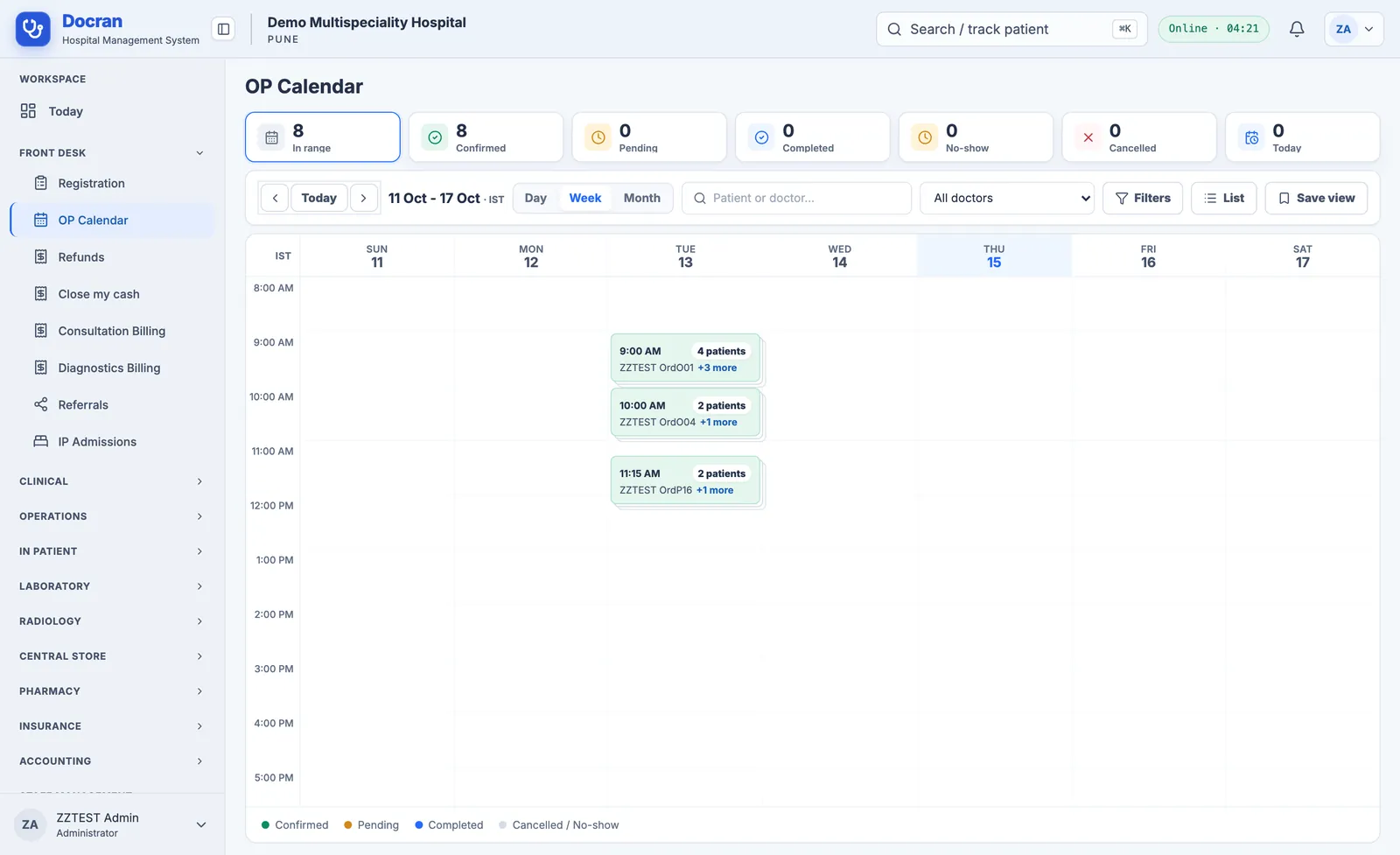
Bookings land in the calendar, not in an inbox
Confirmed appointments appear on the OP calendar with the booking source, so the front desk works from one list.
- Booking source on every appointment
- Reminders through Docran Connect
- No double entry at the desk
Who uses it
Built for the people who do the work
Each role sees only the screens and actions its permissions allow.
Book a demoPatientsFront officeMarketing
Works with
Runs on its own, and shares the patient record when the hospital also uses Docran HMS.